Flickspeed skills
Ready-to-use AI video workflows
Start with a production workflow, provide your creative inputs, and use Flickspeed to move from concept to finished media.
Available AI workflows
Reference Video Production
Use when a supplied video is the primary production reference; analyze it, approve an adaptation plan and storyboard, then generate 5 to 15 seconds with MiniMax H3 Max
UGC Video Production
Use when a fictional creator speaking, demonstrating, or reacting is the core persuasion device; ground the offer, approve the UGC plan and storyboard, then produce up to 30 seconds
Guided Video Production
Default for rough or general video requests without a primary reference or creator-led UGC need; choose the format, approve the plan and storyboard, then produce up to 30 seconds
Tiktok Photo Slideshow
Plan and approve a coherent TikTok photo slideshow, generate it as an N×N vertical-panel grid with GPT Image 2 or GPT Image 2 Edit, then isolate every panel into its own 4:5 image
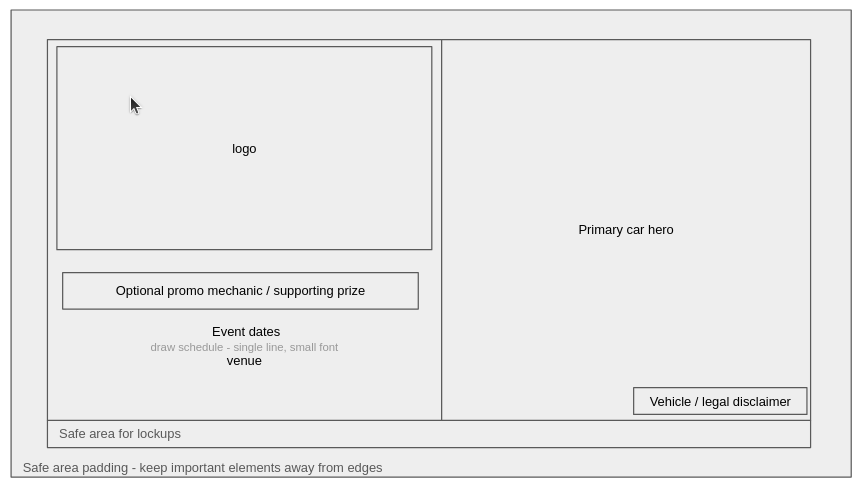
Generate Car Draw Kv
Generate polished landscape key visuals for car-draw campaigns from a supplied logo, primary car image, and campaign details. Use when a user asks for a car draw KV, vehicle prize draw campaign artwork, or automotive giveaway key visual
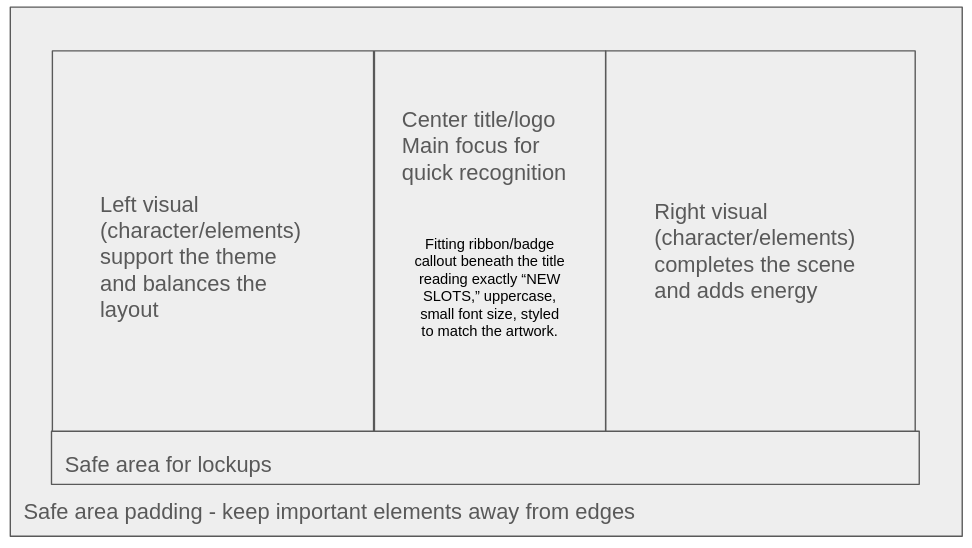
Generate New Slots Kv
Generate polished landscape key visuals for new casino slot game campaigns from a supplied logo image and one or two supplied character or thematic-element images. Use when a user asks for a new slot KV, new slot campaign artwork